The Marketplace
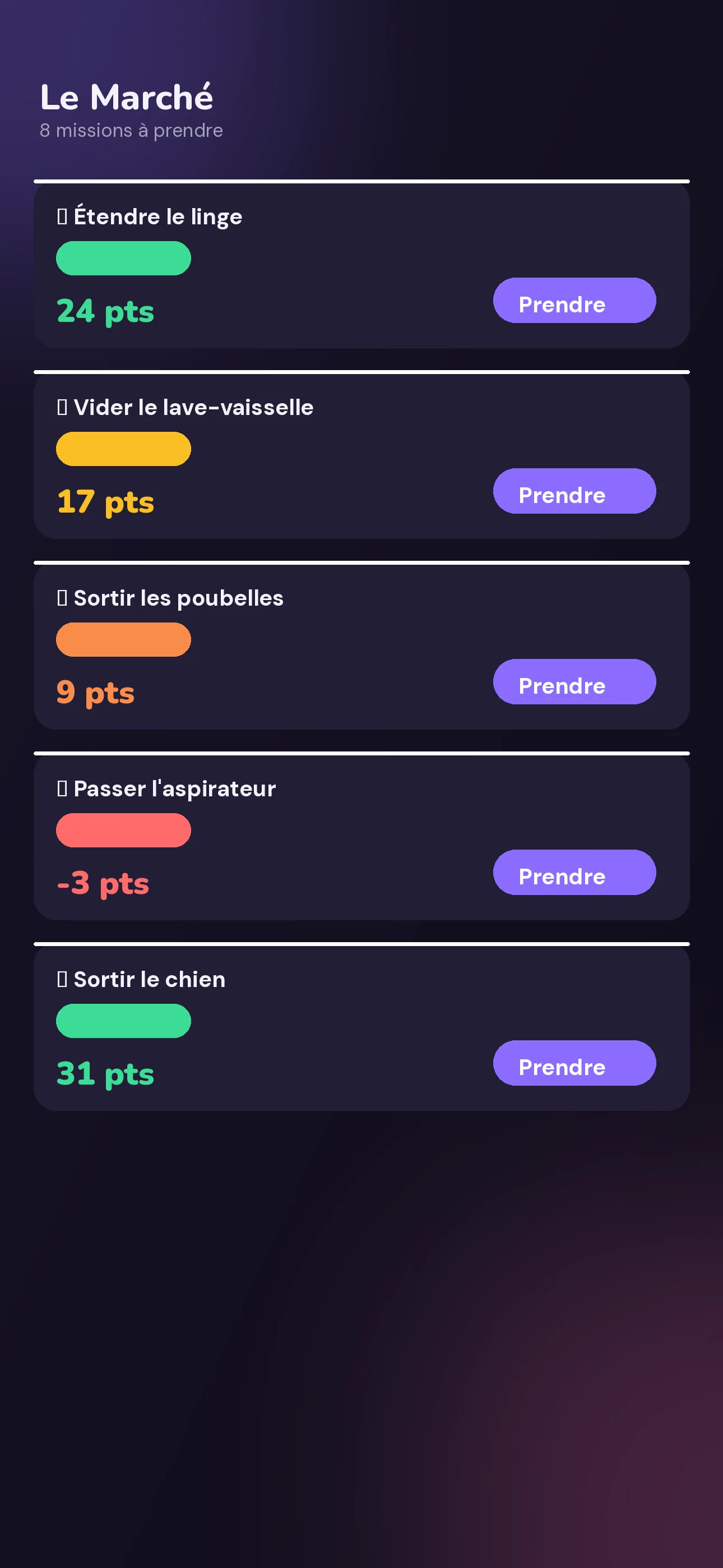
Filter by To take, In progress, Done. Decaying value, color-coded urgency, one-tap claiming.

Post a mission, its value drops as long as nobody takes it. Whoever grabs it first pockets the points — and spends them in the reward shop you built together.
 Soon
Soon
 Soon
Soon
Free · no card required · 4 languages
The problem isn't organization. It's motivation.
Four steps, and your missions organize themselves.
Title, category, starting price, decay per step, decay interval, and a criticality level — you decide.
Step by step, as long as nobody takes it, it loses value. The urgency badge climbs.
At the price shown at that exact moment. A swipe confirms it once it's done.
In the reward shop you built together: movie night, sleep-in, pick-the-restaurant…
This is exactly what your household sees, in real time.
Next −2 pts in 1.2s
Every step drops the value. The color follows urgency — green, amber, orange 🔥, then red 🚨 if nobody handles it. Whoever taps "Take it" first pockets the price shown at that instant.
Your tap triggers confetti — a small, satisfying confirmation, just like in the app.
When you create a space, you choose the vocabulary. Everything else in the product stays the same.
In a household, we talk about Missions & Points. Same mechanic, different vocabulary.
The full detail of every feature is on the dedicated page.
Filter by To take, In progress, Done. Decaying value, color-coded urgency, one-tap claiming.
Rewards created by the group: limited or unlimited stock, some time-limited, guardrails at creation.
Analyzes 4 weeks of history and suggests a balanced split of missions between members.
"Every Tuesday", "every other Saturday": Clinchy spots your habits and schedules them for you.
Productivity score, most active day, CSV export.
Timer on the lock screen and the Dynamic Island.
Giant interface, stars, exit approved by a parent.
The state of the marketplace right on your home screen.
Value drops, upcoming deadlines, streak reminders.
Add a mission to your calendar in one tap.
"Around me" and "Top worldwide", on top of your space's leaderboard.
Clay, Gold, Neon, 8-bit — try them at the bottom of this page.
Dozens of ready-made missions and rewards, sorted by category.
French, English, Spanish, German — detected automatically.
Your XP never drops: every completed mission earns you some, whether it's worth 3 or 30 points. Your levels climb through increasingly steep tiers. Your streak 🔥 holds as long as you complete at least one mission a day — a reminder pings you in the evening if it's at risk.
Every Monday at 00:00 (local time), the spendable balance resets to zero. Nothing is lost: unspent points become XP. But they lose all purchasing power — hoarding never paid anyone's bills. A countdown warns you starting Sunday at 8pm.
Calculated from your device's clock, up to Monday 00:00.
No more silent "it's always me". Missions speak for you, and split themselves fairly.
One shared space, one invite code, and no more nagging people on the group chat.
Kid Mode 🧸 turns chores into a game for the little ones, with a parent-approved exit.
Work mode: missions and credits. The team's least loved tasks finally find takers, no dedicated meeting required.
The Marketplace
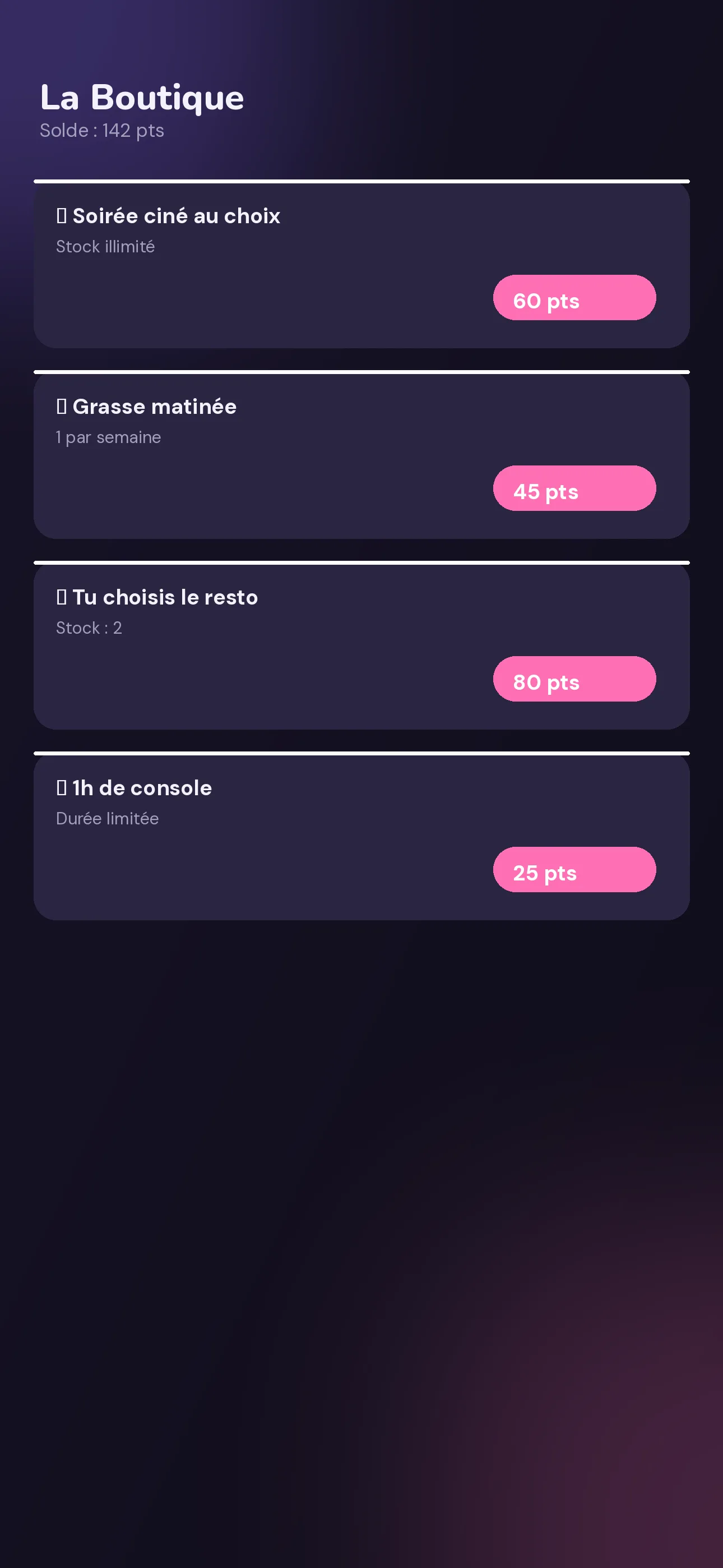
The Shop
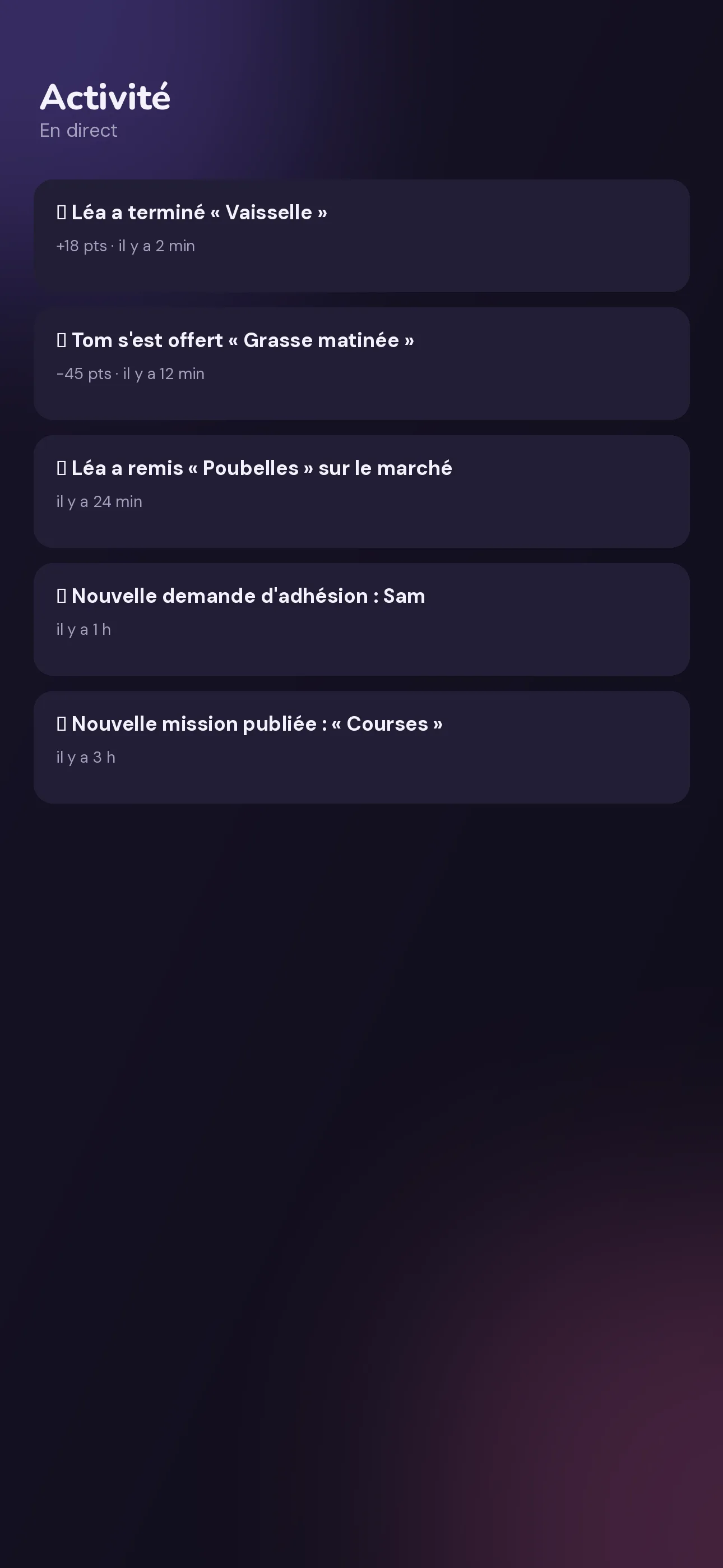
Live activity
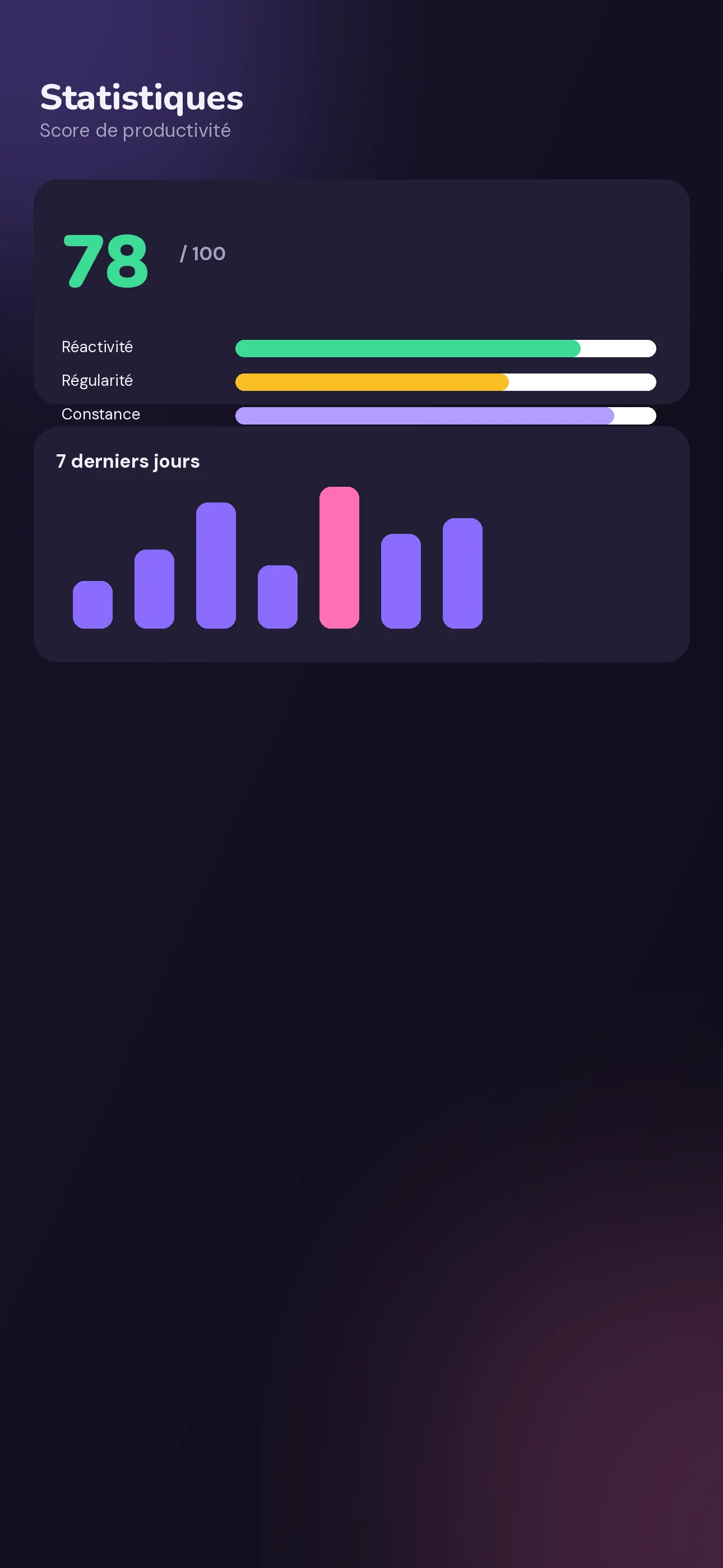
Statistics
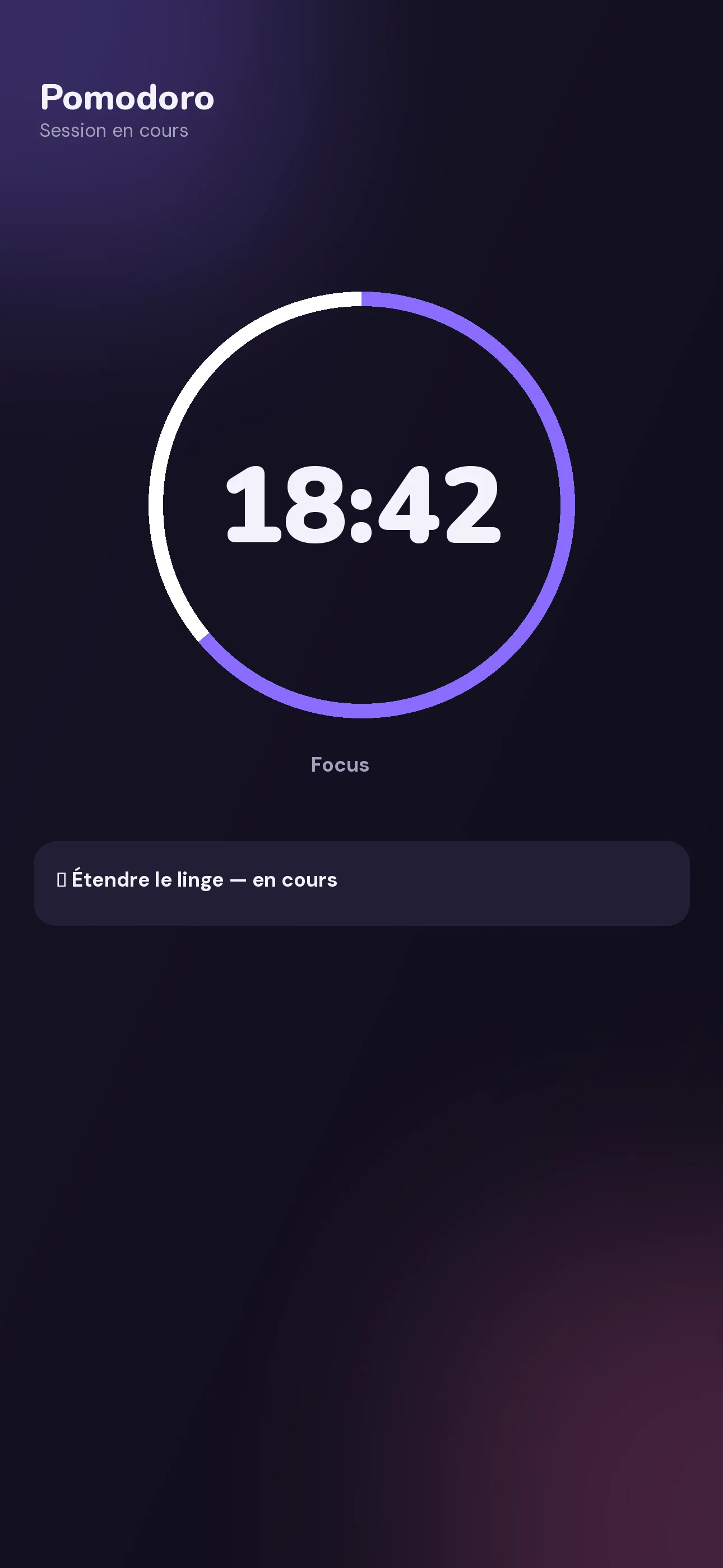
Built-in Pomodoro
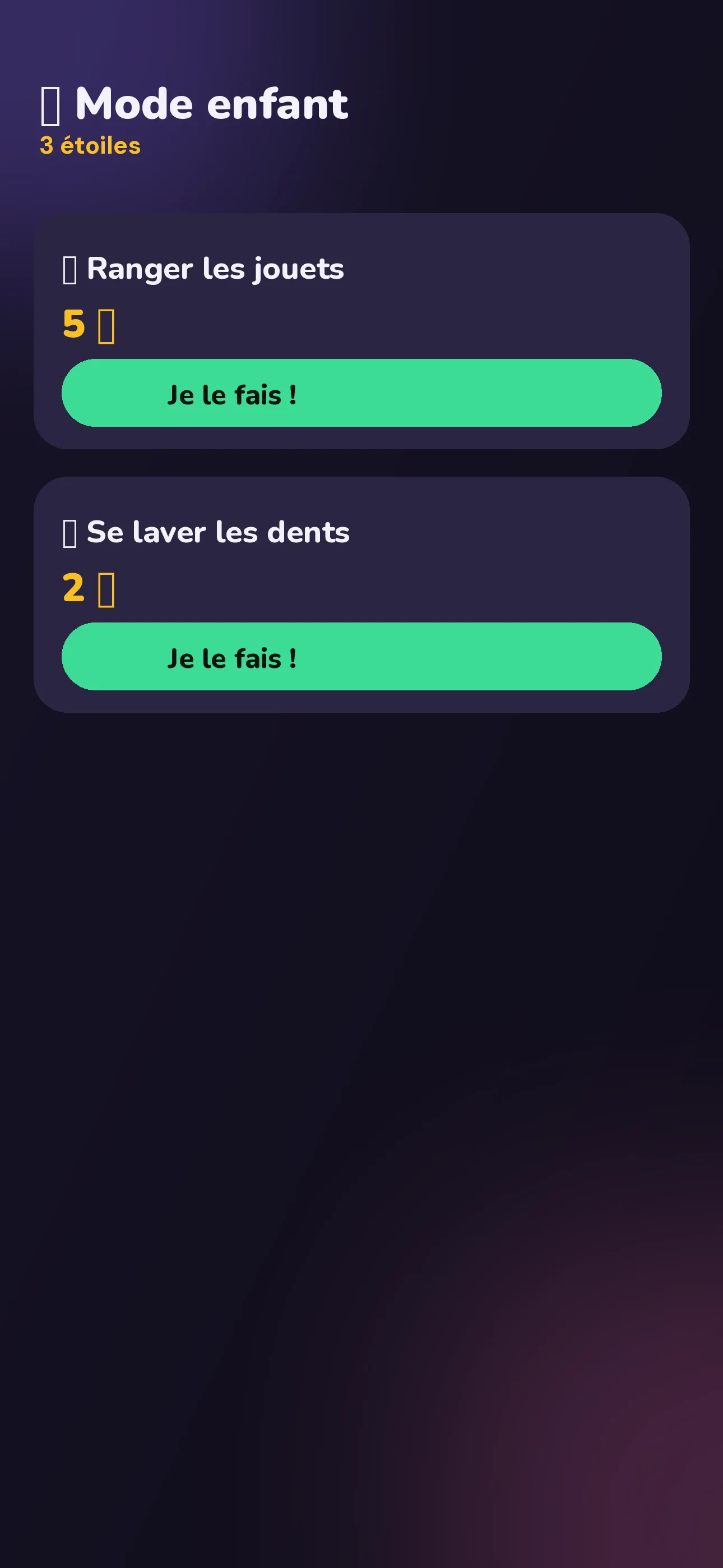
Kid Mode 🧸
Profile & progress
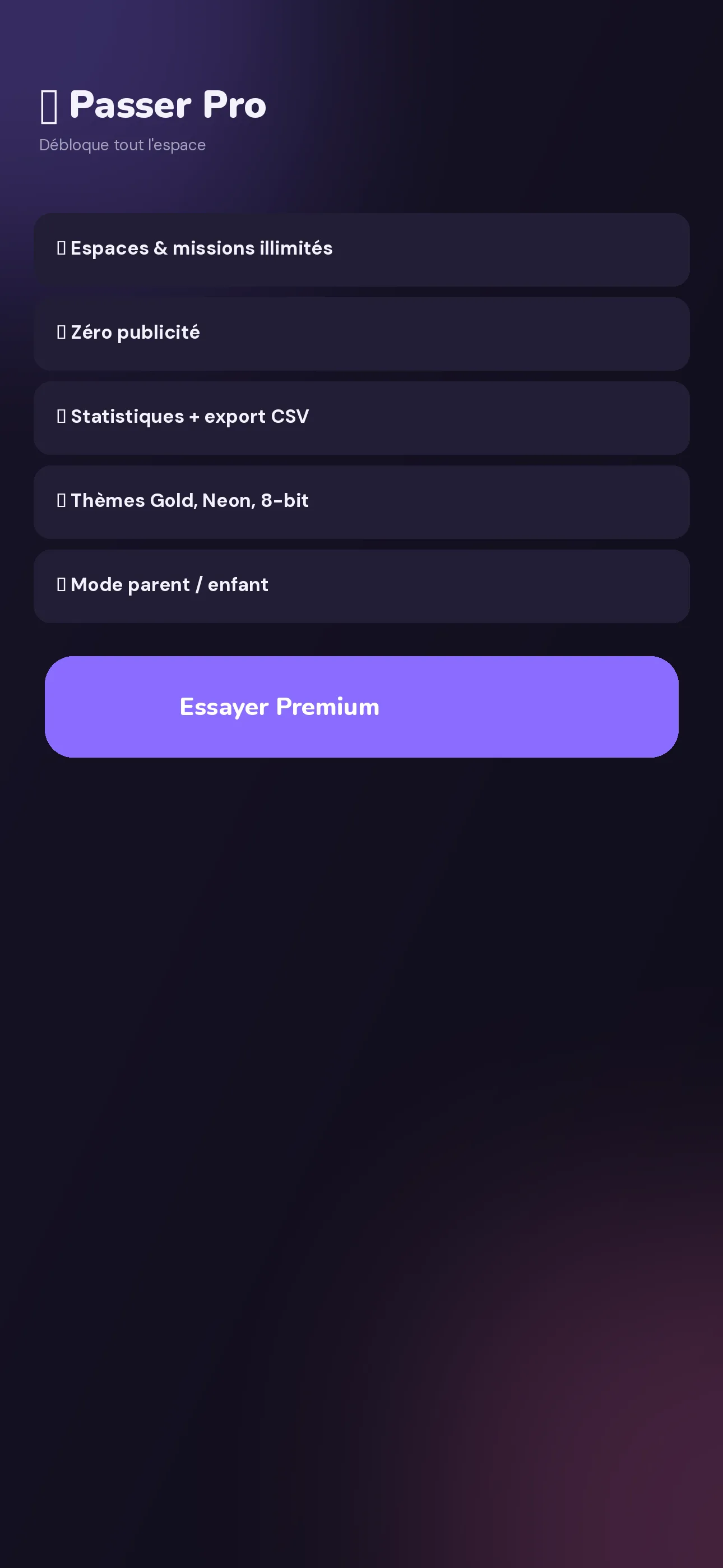
Going Premium
If a space's admin is Premium, the whole space gets 50 members and unlimited missions. Free members keep their ads and hidden statistics.
Subscription automatically renews, cancel anytime from your App Store / Google Play account settings. Full details on the pricing page.
Themes are subscriber-only in the app — try them right here on the site.
Yes. The free plan supports up to 2 spaces, 6 members per space and 10 active missions (+1 per ad watched). Premium unlocks the rest.
No. Just one subscriber is enough: if the space's admin is Premium, the whole space benefits (up to 50 members, unlimited missions). Free members keep their ads and hidden statistics.
Each mission has a starting price that loses value in steps as long as nobody takes it, based on an interval and a decay amount the creator chooses. Whoever takes it first earns the price shown at that moment.
Its value keeps dropping until it turns negative: it then becomes a penalty, a strong signal for someone to handle it quickly.
Every Monday at 00:00 (local time), the spendable balance resets to zero and unspent points convert to XP at a 1:1 rate. Nothing is lost, but you have to spend to benefit: hoarding gives you no purchasing power.
On the free plan, a space supports up to 6 members. With a Premium admin, the space scales to 50 members — plenty for a large shared house.
Yes, through Kid Mode 🧸: a simplified interface with stars, inside a parent's account who stays in control. Exiting Kid Mode requires a long-press and a parent's approval.
A single account can belong to several spaces (household, shared house, team) and switch between them. The app needs a connection to sync activity between members in real time.
With an invite code (e.g. HOME42) or a shareable link. The join request then needs to be approved by an existing member of the space, in real time.
From the app (Profile → Settings → Delete my account) or, if you no longer have the app, through the public form on the account deletion page.
Free, no commitment.
Soon
Soon